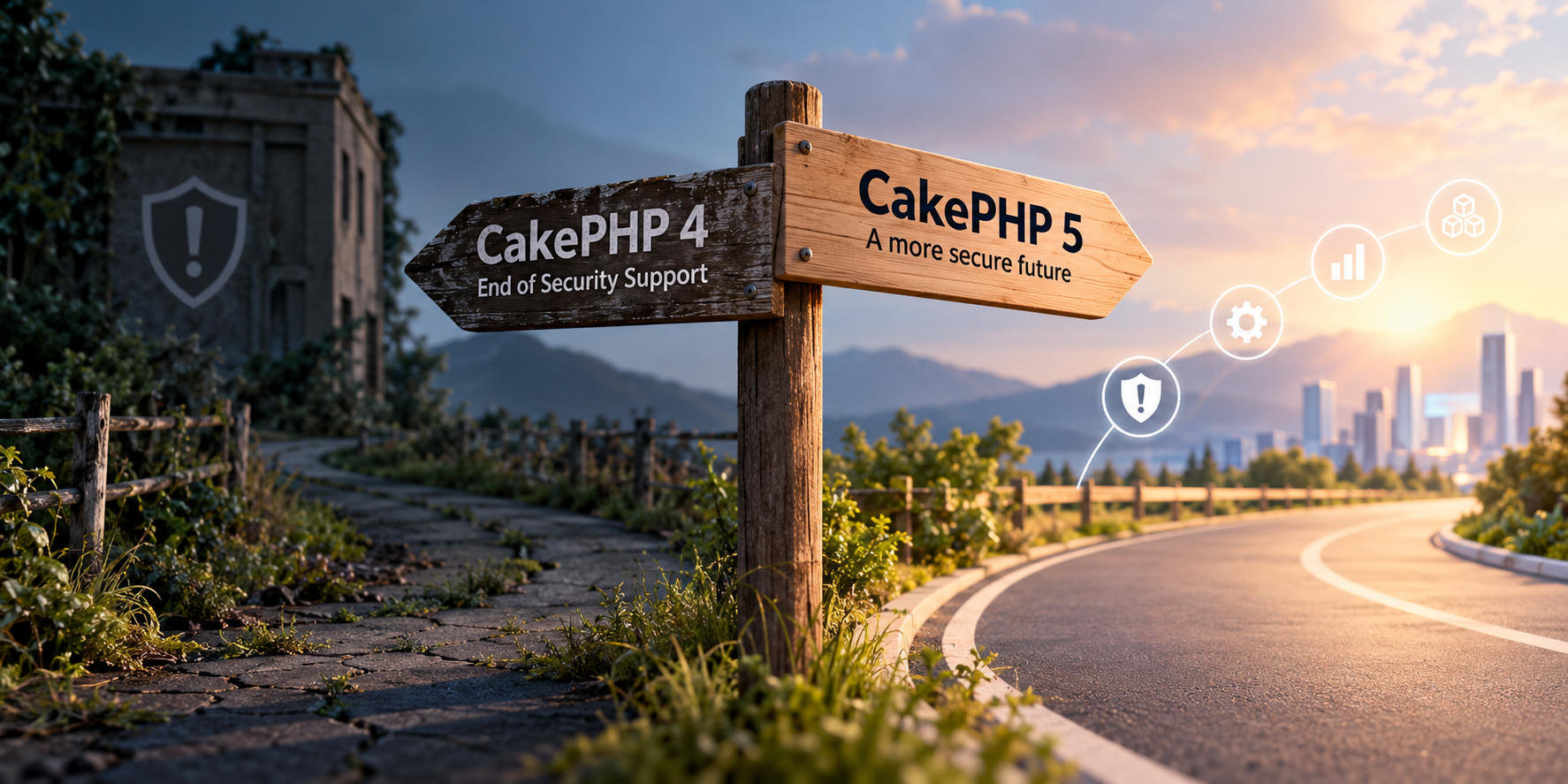
CakePHP 4 Has Reached End of Security Support: What Should You Do Now?
On September 10, 2026, CakePHP 4 reached the end of its security support period. From now on, newly discovered vulnerabilities in the framework are no longer guaranteed to receive official fixes for the 4.x branch.
That does not mean your CakePHP 4 application stopped working on September 11, or that it became insecure overnight. It will keep running exactly as it did before. What has changed is the risk of continuing to operate it, and that risk grows over time as the rest of your technology stack keeps moving.
For most teams, the answer will be an upgrade to CakePHP 5. For some, there are good reasons to stay on CakePHP 4 a little longer. Either way, the end of security support should trigger a decision, not an emergency. Here is how to make it.
Is Your Application Now Insecure?
Not necessarily. A well-maintained CakePHP 4 application with some security controls can be perfectly safe today.
The problem is that security risk is cumulative, and CakePHP is only one layer of your application. Your code also depends on plugins, Composer packages, a PHP runtime, a database and web server, an operating system and the infrastructure underneath. Each of those has its own lifecycle.
An application on CakePHP 4 often also runs on an outdated PHP version, uses an abandoned plugin or two, or sits on an operating system approaching its own end of life. So the useful question is not "Is CakePHP 4 secure?" but "How much outdated technology does this application depend on, and what risk does that create for the business?"
Step One: Know Where You Stand
Before choosing a path, establish the current state of the application. Start with the basics:
composer show cakephp/cakephp
php -v
composer outdated
composer audit
Composer audit flags known vulnerabilities in installed packages, but it is not a security assessment on its own. A proper review should also tell you:
- Which CakePHP 4 and PHP versions you are running
- Which plugins you depend on, and whether they are still maintained
- How authentication, authorization and CSRF protection are implemented
- Whether the operating system and infrastructure are still supported
- How well automated tests cover critical functionality
- How the application is deployed and monitored
This inventory is what every decision below is based on.
Your Three Options
1. Upgrade to CakePHP 5
If the application is actively maintained and expected to stay in production for years, CakePHP 5 is the natural long-term path. The good news: moving from CakePHP 4 to CakePHP 5 is an upgrade, not a rewrite.
The official upgrade guide recommends first moving to the latest CakePHP 4.x release and resolving all deprecation warnings, then switching to CakePHP 5. The project also provides a Rector-based upgrade tool that automates part of the work. A well-prepared application can often be migrated incrementally, one small, testable step at a time.
2. Stay on CakePHP 4 Temporarily
Sometimes an immediate upgrade is not realistic. The application may be business-critical, budget may be committed elsewhere, a key dependency may have no replacement yet, or the system may be scheduled for retirement.
Staying on CakePHP 4 for a limited period can be a legitimate decision, as long as it is a conscious and managed one. That means keeping compatible dependencies, PHP and the operating system updated, running composer audit regularly and following security advisories, reducing unnecessary public exposure, improving logging and monitoring, and applying compensating controls where vulnerabilities cannot be patched.
Above all, it means having a dated plan to move away from CakePHP 4. Maintaining an unsupported application with a plan is very different from leaving it untouched indefinitely, and the longer you wait, the harder the eventual upgrade becomes.
3. Modernize While You Upgrade
For applications that have been running for years, the framework version is often only part of the problem. Abandoned plugins, legacy authentication, manual deployments, limited tests or unsupported infrastructure may all be in the mix.
In those cases, the CakePHP 5 migration is an opportunity to modernize selected parts at the same time: replace an abandoned plugin, modernize authentication, add tests, or move deployment into a predictable CI/CD pipeline. This does not mean rewriting everything. Large rewrites carry their own risks and throw away years of business knowledge built into the existing code. The goal is not just to reach CakePHP 5, but to leave the application easier to upgrade next time.
What Makes an Upgrade Easy or Hard?
Two applications of similar size can require very different effort. Codebase size is rarely a good predictor. These factors matter much more:
-
How up to date your application is. A recent CakePHP 4.x release on a recent PHP version, with few deprecation warnings, is a much easier starting point than an old release with years of deferred maintenance.
-
Plugins and dependencies. Check every plugin and major Composer package: is it maintained, does it have a CakePHP 5 release, and do you still need it? A single abandoned plugin can shape the whole migration strategy, which is why it pays to find blockers before development starts.
-
Test coverage. Tests are your safety net: they tell you whether the application still behaves the same after each change. You do not need 100% coverage. Start by protecting the workflows where a regression would hurt most, such as login, permissions, payments, APIs and key integrations. Those tests keep paying off long after the upgrade.
Whatever your starting point, work in stages: update within 4.x, clear deprecations, review dependencies, run the upgrade tooling, move to CakePHP 5, then test and deploy progressively. Changing the framework, PHP runtime, dependencies and architecture all at once makes problems far harder to diagnose.
Choosing Your Next Step
| Your situation | Direction to consider |
|---|---|
| Actively developed or business-critical application | Assess and plan a CakePHP 5 migration |
| Upgrade blocked by plugins or dependencies | Replace or modernize the blockers first |
| Little or no test coverage | Add tests around critical workflows before migrating |
| Unsupported PHP and CakePHP | Prioritize modernizing the whole stack |
| Replacement planned soon, or migration not possible yet | Put a temporary security and maintenance strategy in place |
Final Thoughts
CakePHP 4 reaching the end of security support does not mean your application needs to be replaced. However, it does mean you should know your exposure, decide how long you will stay on CakePHP 4, and have a clear path forward. What you want to avoid is an application that stays on an unsupported framework, simply because nobody evaluated the alternatives.
Done well, an upgrade does more than change a version number. It leaves the application easier to maintain, easier to test and better prepared for the next one.
Need help with this in your own CakePHP app?
Talk to a CakePHP expert